NewsFeatured
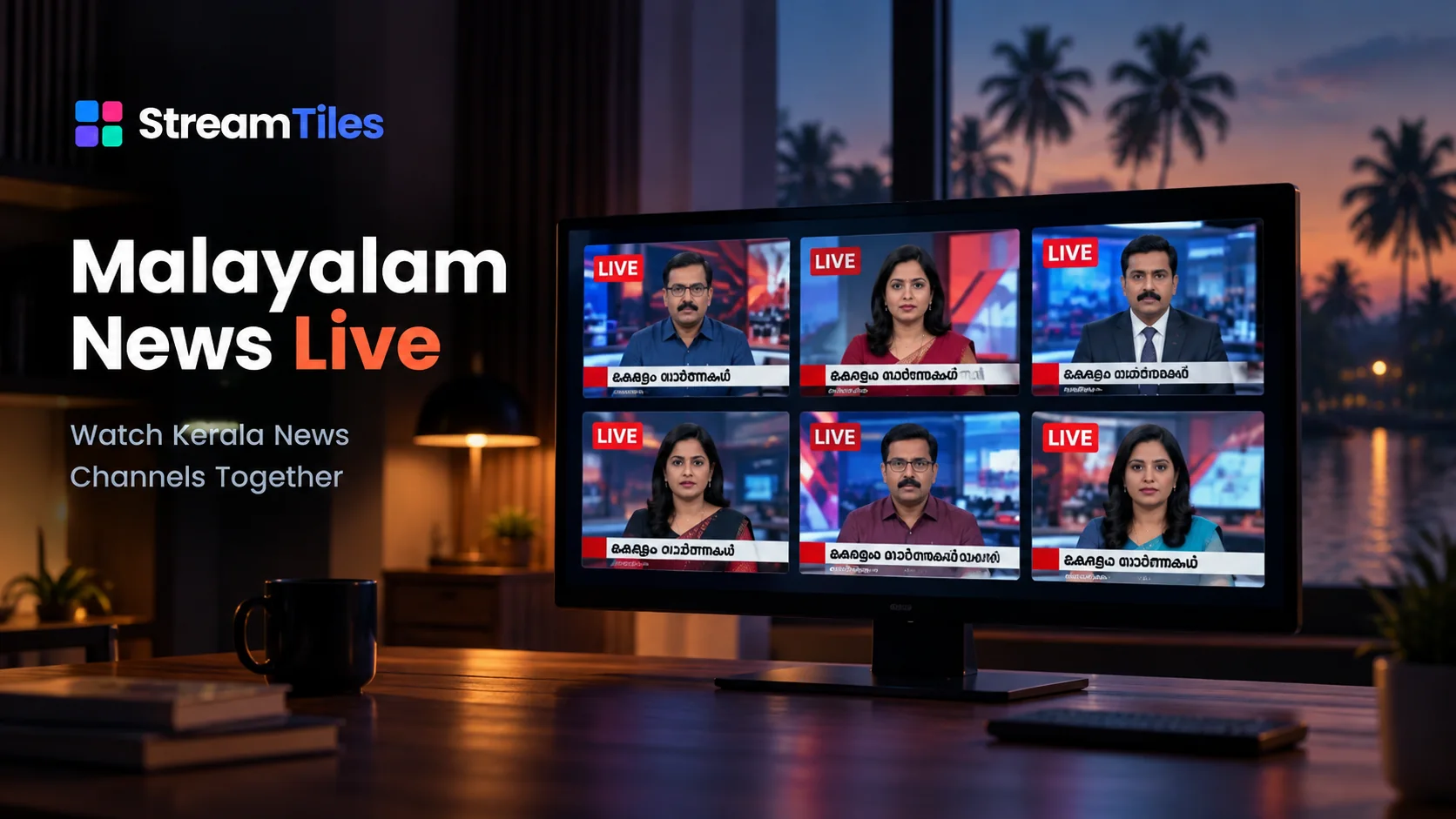
Malayalam News Live
Watch Kerala News Channels Together
6 streams · YouTube
View Malayalam News Live templateStreamTiles is a multi-stream viewer that brings YouTube and Twitch streams together in one clean viewing space. Add up to six streams, mix both platforms, choose a layout, and watch them side by side without constantly switching between tabs.
Every live stream. One view.
No account required.
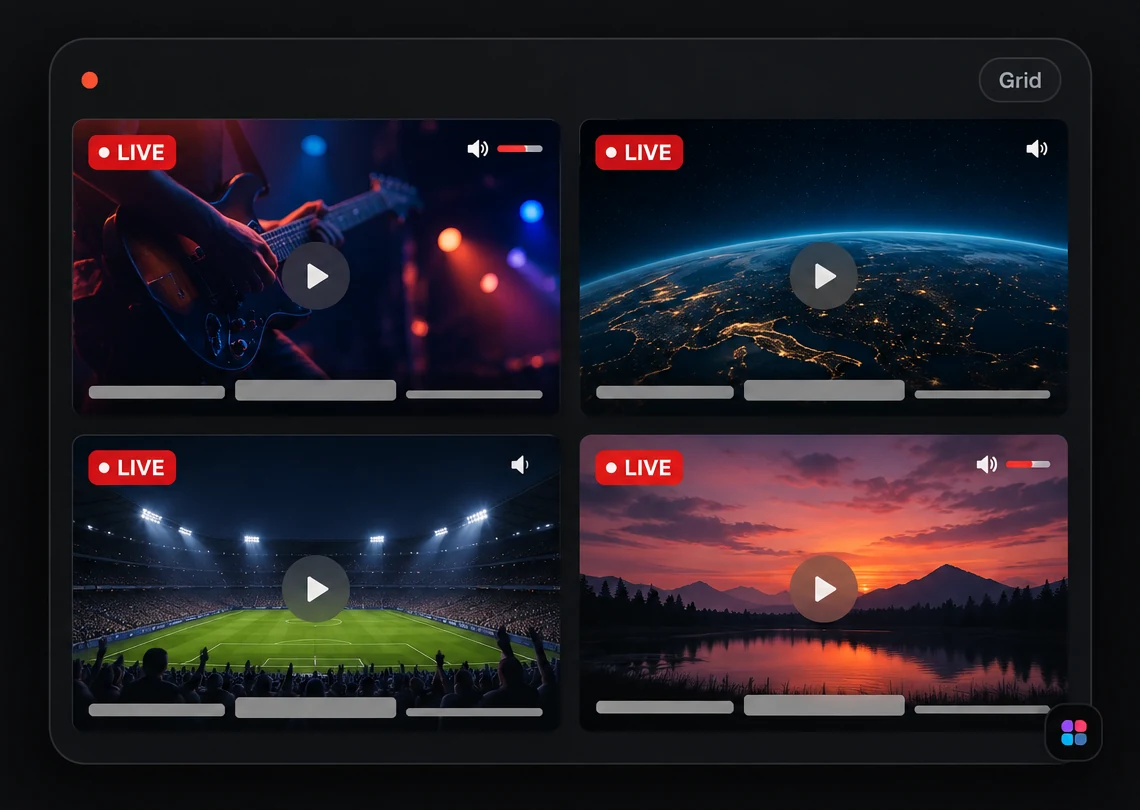
StreamTiles is a multi-stream viewer designed for people who want to follow more than one live broadcast at the same time. Instead of opening several browser tabs, you can bring multiple YouTube and Twitch streams into one workspace and arrange them in a layout that suits the way you watch.
Add up to six live streams, organize them using Grid, Focus, or Cinema layouts, and control playback and audio independently. StreamTiles keeps the viewing experience simple: add streams, arrange them, and watch.
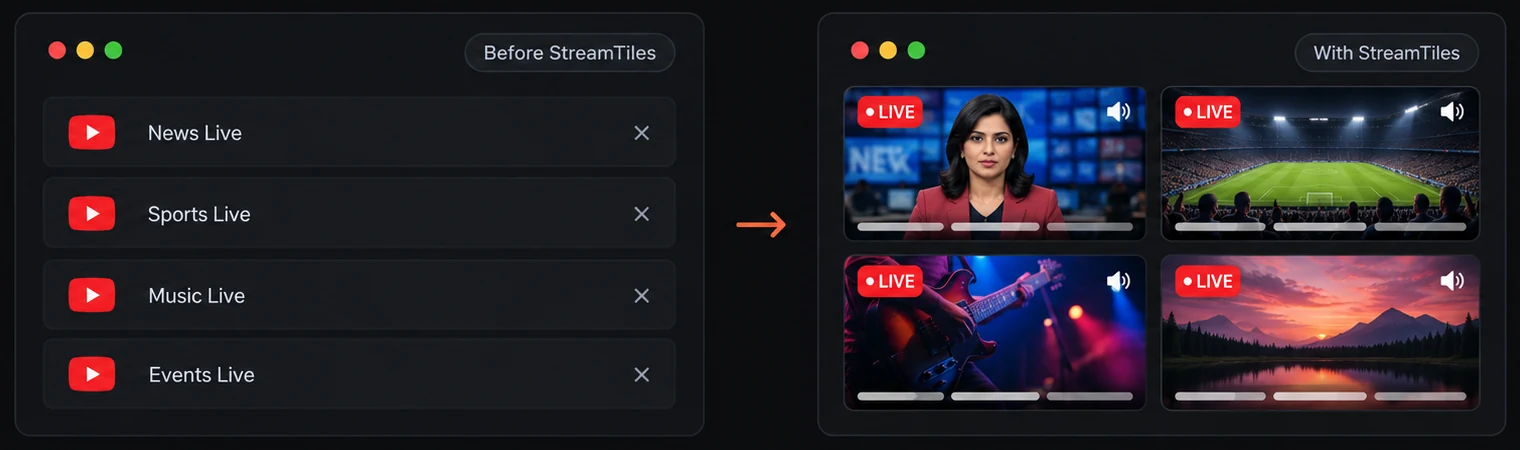
Following several live broadcasts usually means juggling browser tabs, windows, or devices. StreamTiles brings those streams together so you can see what's happening across multiple broadcasts without repeatedly switching away from one stream to check another.
Follow multiple live news broadcasts at the same time and compare coverage without constantly switching browser tabs.
Keep several event broadcasts visible when different streams are covering different parts of an event.
Watch multiple live gaming broadcasts or streams side by side when following more than one channel.
Follow product launches, conferences, developer events, and technology livestreams from one workspace.
Run several lo-fi or ambient streams together and set each one's volume to build your own background mix.
Keep a creator's stream, a concert and a community broadcast visible together when you follow several at once.
Templates open a curated set of live streams together, so you don't have to add each one yourself.
Watch Kerala News Channels Together
6 streams · YouTube
View Malayalam News Live template
Watch lo-fi beats, study music, synthwave, ambient rain and relaxing live radio streams together in one StreamTiles viewing space.
6 streams · YouTube
View Lo-fi & Study Live template
Watch six Indian news channels together in one viewing space, covering national headlines, breaking news, politics, business, and current affairs in English and Hindi.
6 streams · YouTube
View Indian News Live template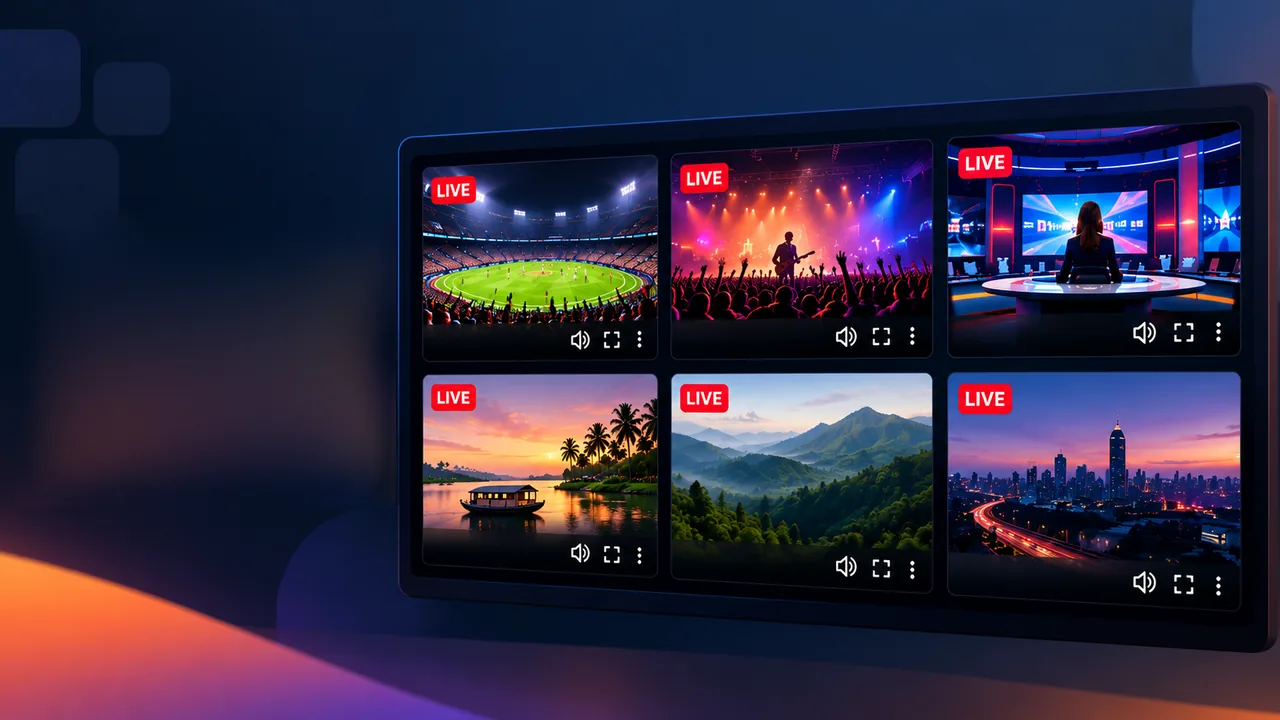
Keep Riot Games, VALORANT and Rocket League's official Twitch channels open side by side, so you can follow more than one esports broadcast at once.
3 streams · Twitch
View Esports Tournament Watch templatePut the official Fortnite, Apex Legends and PUBG Twitch channels in one grid, so you can follow several battle royale games at once.
3 streams · Twitch
View Battle Royale Watch templatePut the Games Done Quick and SpeedGaming Twitch channels side by side, so you can follow more than one speedrunning broadcast at once.
2 streams · Twitch
View Speedrunning Watch templateAlso see the YouTube tools and utilities for YouTube links, embeds and live streams.
To watch multiple streams at once, paste each stream's link into StreamTiles. For YouTube, a standard watch link, a youtu.be link, or a /live link all work; for Twitch, paste the channel link. Every stream gets its own tile, you can mix both platforms, and the same stream can't be added twice. You can run two, three, four, five, or up to six at the same time.
Each tile keeps its own controls, so you can pause one broadcast, mute another, adjust a third one's volume, or open a single stream in fullscreen without disturbing the rest. If a stream ends or can't be embedded, only that tile changes: it shows a message with options to open the stream on its platform or remove it. See how YouTube and Twitch streams work together.
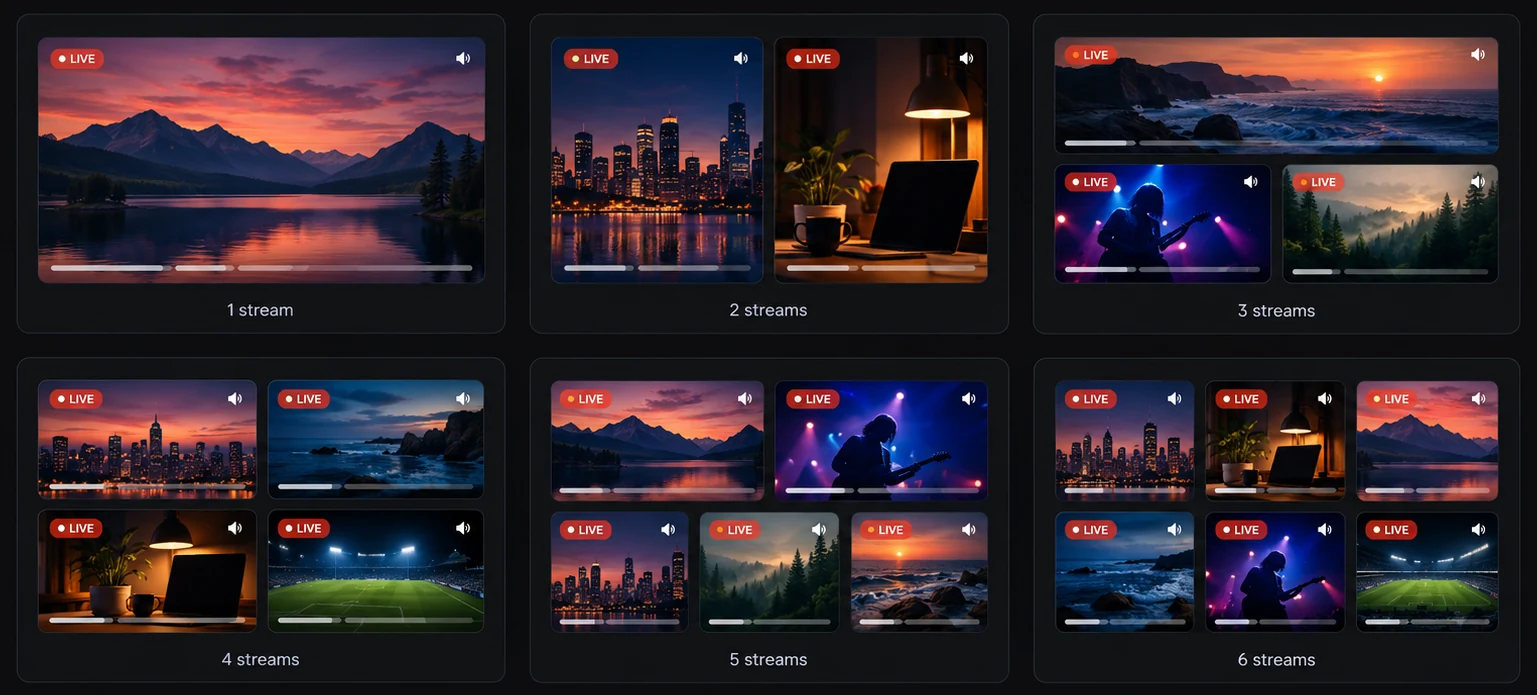
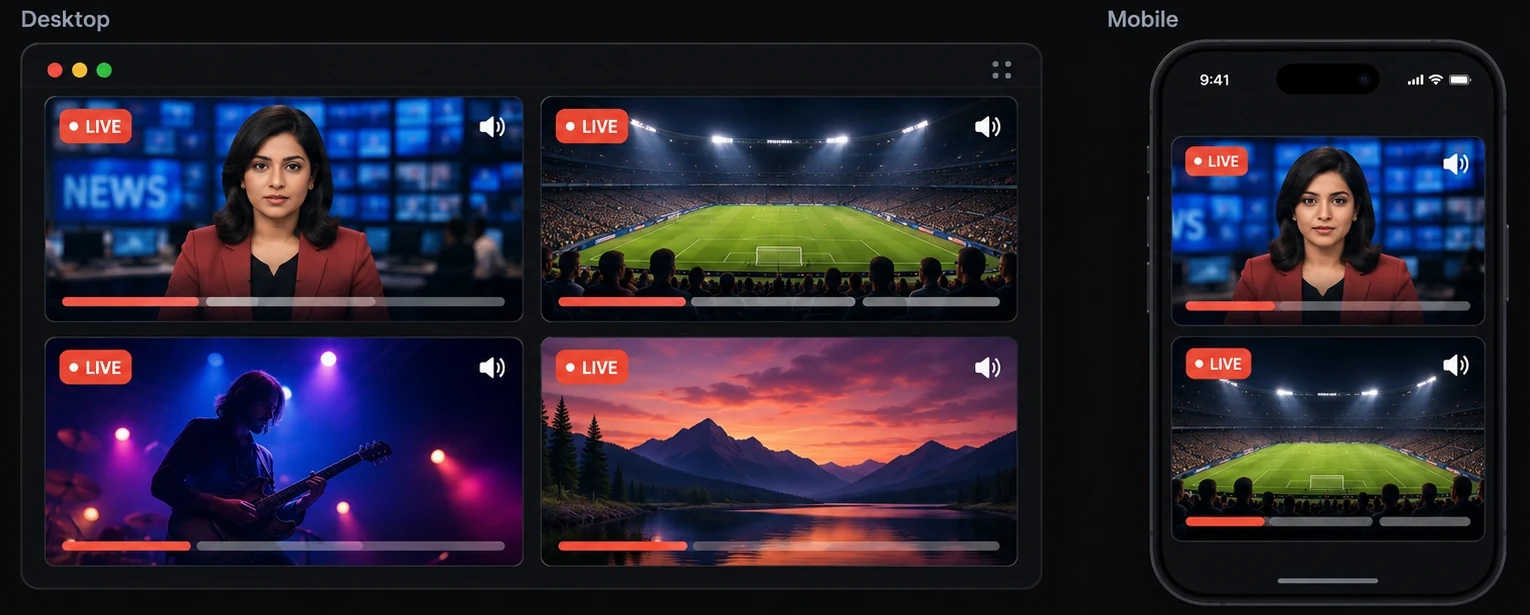
StreamTiles adapts the viewing arrangement to the number of streams you're watching, with responsive layouts for different screen sizes.
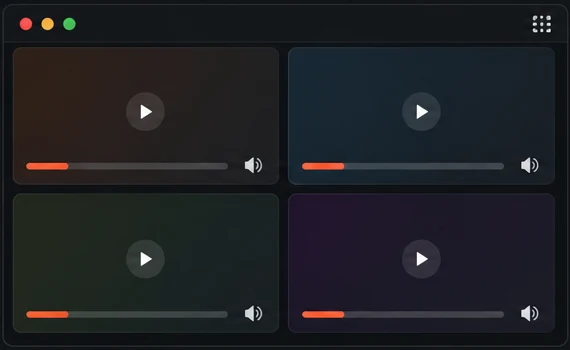
Keep every stream visible with an evenly arranged multi-stream grid.
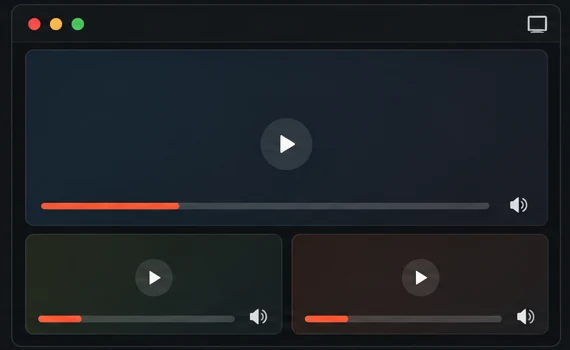
Give one stream more visual attention while keeping the others available alongside it.
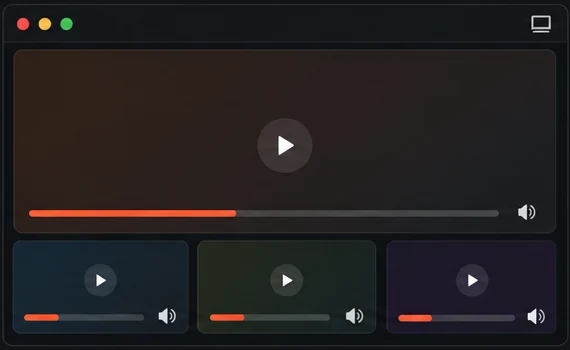
Create a viewing arrangement that prioritizes a main stream while keeping supporting streams visible.
Multiple streams are useful only when you can control them individually. StreamTiles gives each stream its own playback and audio controls, so you can mute one broadcast, adjust another, or keep a particular stream as your audio focus.
Browsers generally block multiple videos from autoplaying with sound at once — new streams start muted, and you choose which ones to unmute.
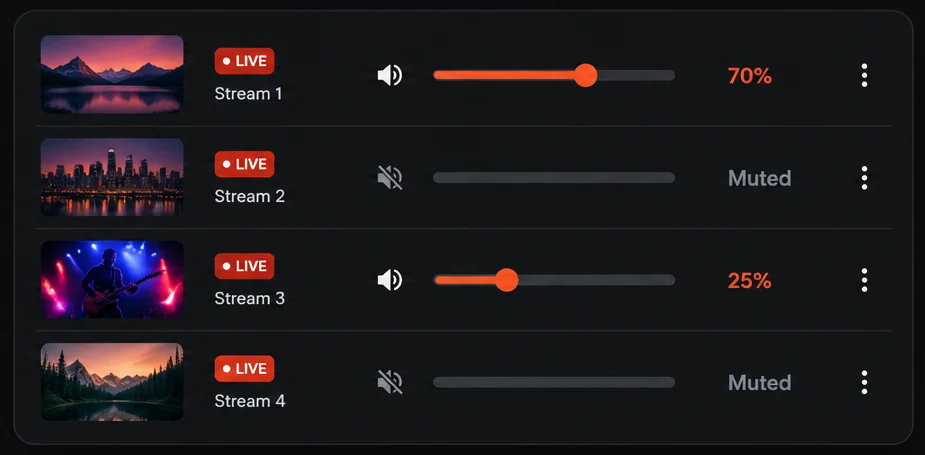
StreamTiles doesn't require an account to start watching. Add your streams and build your viewing setup directly in the browser. Your workspace — the streams you've added, your layout, and your volume settings — is remembered locally in your browser, so coming back to StreamTiles doesn't have to mean starting from scratch.
StreamTiles is designed for large monitors, laptops, tablets, and mobile screens. Desktop layouts can place multiple streams side by side, while smaller screens adapt the arrangement so individual videos remain usable and properly proportioned.
Watch up to six YouTube and Twitch streams in one workspace.
Switch between Grid, Focus, and Cinema.
Adjust volume and mute individual streams.
Play and pause streams independently or control them together.
Expand an individual stream when you want a closer view.
Share a configured stream workspace through its URL.
Use StreamTiles across desktop and mobile devices.
Start watching without registration.
 01
01Paste a YouTube or Twitch stream URL into StreamTiles.
 02
02Choose Grid, Focus, or Cinema and let the workspace organize your streams.
 03
03Control each stream independently and keep multiple broadcasts visible from one screen.
StreamTiles is a multi-stream viewer for watching YouTube and Twitch streams together in one responsive viewing space.
You can watch up to six streams in one workspace.
No. StreamTiles doesn't have accounts or sign-in; you can start watching without registering.
Yes. Each stream has its own volume slider.
No. StreamTiles displays streams through each platform's own embedded player. The videos are provided and served by YouTube or Twitch and their original creators.
No. StreamTiles is an independent service. It isn't affiliated with, sponsored by, or endorsed by YouTube, Google or Twitch.
Bring your live streams together and create your own multi-stream view.